Conference Room Displays: The Future of Collaborative and High-Performance Corporate Communication Solutions
In today’s fast-paced corporate environment, effective communication and seamless collaboration within conference rooms are critical for driving productivity and innovation. Central to this ecosystem is the conference room display—a technological cornerstone that transforms the way teams share information, make decisions, and present ideas. With rapid advances in display technologies, meeting room systems, and integrated collaboration tools, conference room displays have evolved far beyond the traditional projector or TV screen, becoming high-performance, interactive, and user-centric hubs.
Introduction
Conference room displays serve as the visual focal point in corporate meeting spaces, enabling screen sharing, video conferencing, presentations, and real-time collaboration between in-person and remote participants. These displays must meet exacting standards for clarity, brightness, color accuracy, and connectivity to ensure that content is readable, engaging, and accessible to all attendees.
This article delves into the technical and practical aspects of conference room displays, outlining industry-leading technologies, their applications, advantages, common challenges, and emerging trends. It leverages authoritative sources, industry standards, and case studies to provide an in-depth understanding tailored for corporate decision-makers, integrators, and technology professionals worldwide.
Understanding Conference Room Displays: Technologies and Specifications
Conference room displays vary widely depending on the size of the meeting space, the number of participants, lighting conditions, and use cases—from small huddle rooms to large auditoriums. The key display technologies include:
- LED Displays: High-brightness LED panels provide superior luminosity and uniformity, making them suitable even in brightly lit conference rooms. Innovations in microLED and miniLED increase contrast and reduce power consumption.
- LCD/LED-backlit Displays: Liquid Crystal Displays with LED backlighting remain prevalent due to cost effectiveness, excellent color accuracy, and wide availability. They often feature 4K resolution for crisp text and graphics.
- Laser Projectors: Offering large screen sizes with vivid colors, laser projectors complement displays for very large rooms but require controlled lighting environments.
- Interactive Touchscreens: These enable direct manipulation of content, annotations, and whiteboarding, fostering active collaboration.
Industry standard specifications for conference room displays underline several critical parameters:
- Resolution & Aspect Ratio: 1920×1080 (Full HD) is the baseline, with 4K UHD (3840×2160) becoming standard, especially for detailed spreadsheets and design content. Aspect ratios usually conform to 16:9 or 16:10.
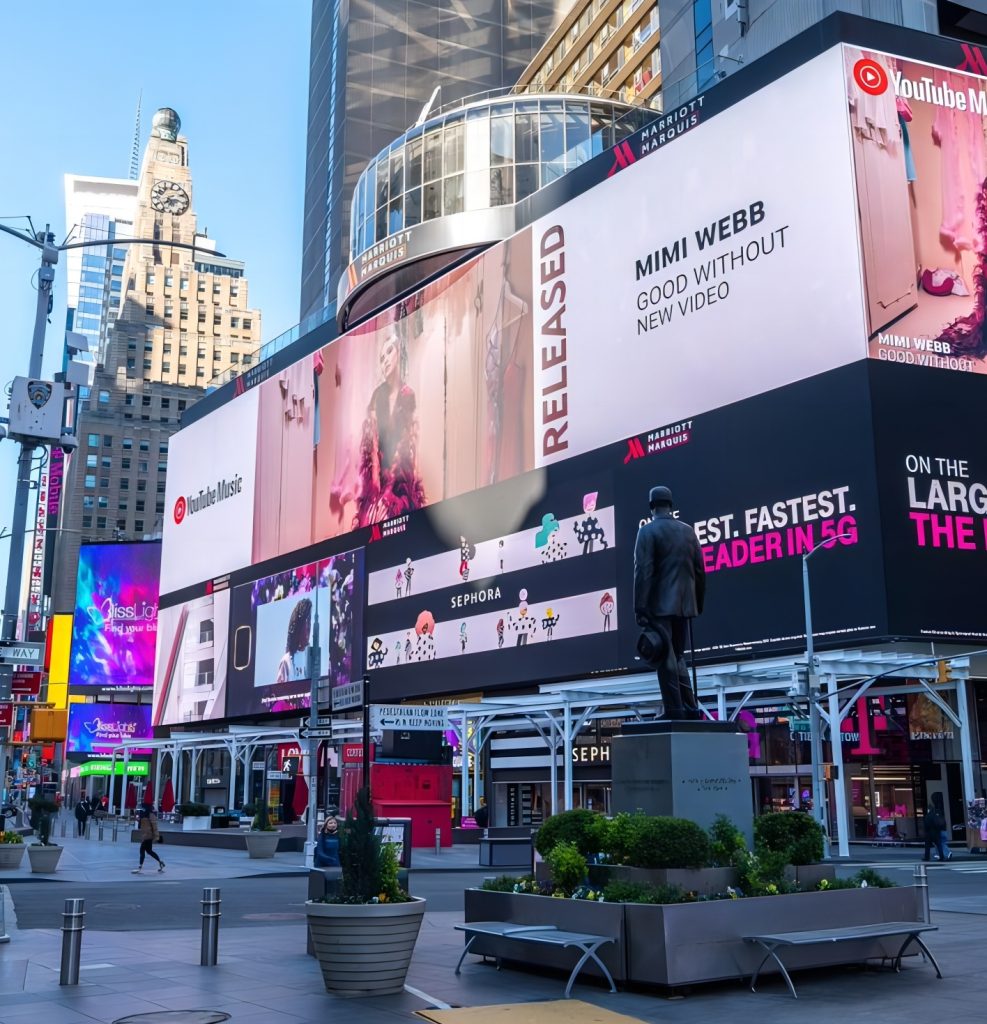
- Brightness: Brightness levels of 300–600 nits are typical for indoor rooms, ensuring readability under ambient lighting. High ambient light rooms may require >1000 nits for legibility, particularly with LED video walls.
- Contrast Ratio: Higher contrast ratios improve text clarity and image depth; values above 1000:1 are preferred.
- Viewing Angle: Wide viewing angles (above 178° horizontal/vertical) ensure clear visibility for all participants.
- Connectivity: HDMI 2.0/2.1, USB-C, DisplayPort, and network interfaces enable seamless integration with laptops, conferencing codecs, and control systems.
Practical Applications of Conference Room Displays
Modern conference room displays empower a spectrum of applications that enhance the collaborative experience:
1. Video Conferencing and Remote Collaboration
In the era of hybrid workforces, display systems integrate tightly with video conferencing platforms such as Zoom, Microsoft Teams, and Cisco Webex. Large-format displays combined with professional-grade microphones and cameras recreate in-person interactions, improve eye contact, and enable dynamic screen sharing.
2. Interactive Presentations and Digital Whiteboarding
Touch-enabled conference displays allow presenters and participants to mark up documents, brainstorm ideas, and capture notes in real time. Integration with cloud-based collaboration tools ensures that content is archived and shared effortlessly.
3. Data Visualization and Decision Support
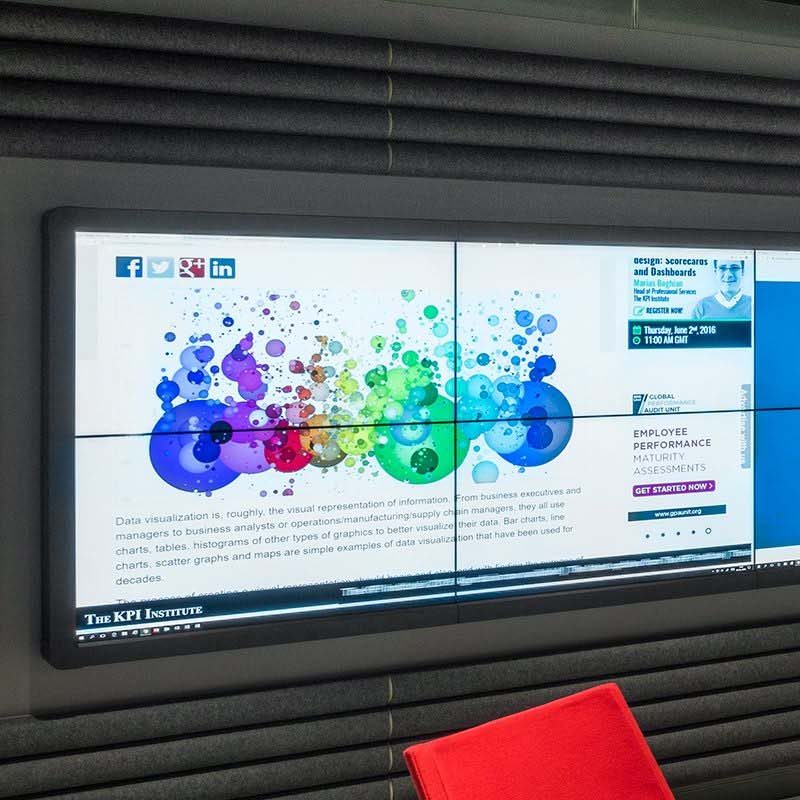
High-resolution displays are indispensable for corporate analytics, dashboards, and complex visual data, enabling stakeholders to derive actionable insights clearly and simultaneously.
4. Training and Workshops
Dynamic content delivery aids in immersive employee training, reducing downtime and increasing retention.
Advantages of Modern Conference Room Displays
Advancements in display technology bring multiple benefits:
- Enhanced Visual Clarity and Engagement: High resolution and brightness ensure sharp, vivid images. This reduces visual fatigue and keeps participants engaged.
- Improved Accessibility: Voice control, gesture recognition, and captioning improve inclusivity for diverse participants.
- Seamless Device Integration: Plug-and-play connectivity with laptops, tablets, and smartphones streamlines meeting preparation and execution.
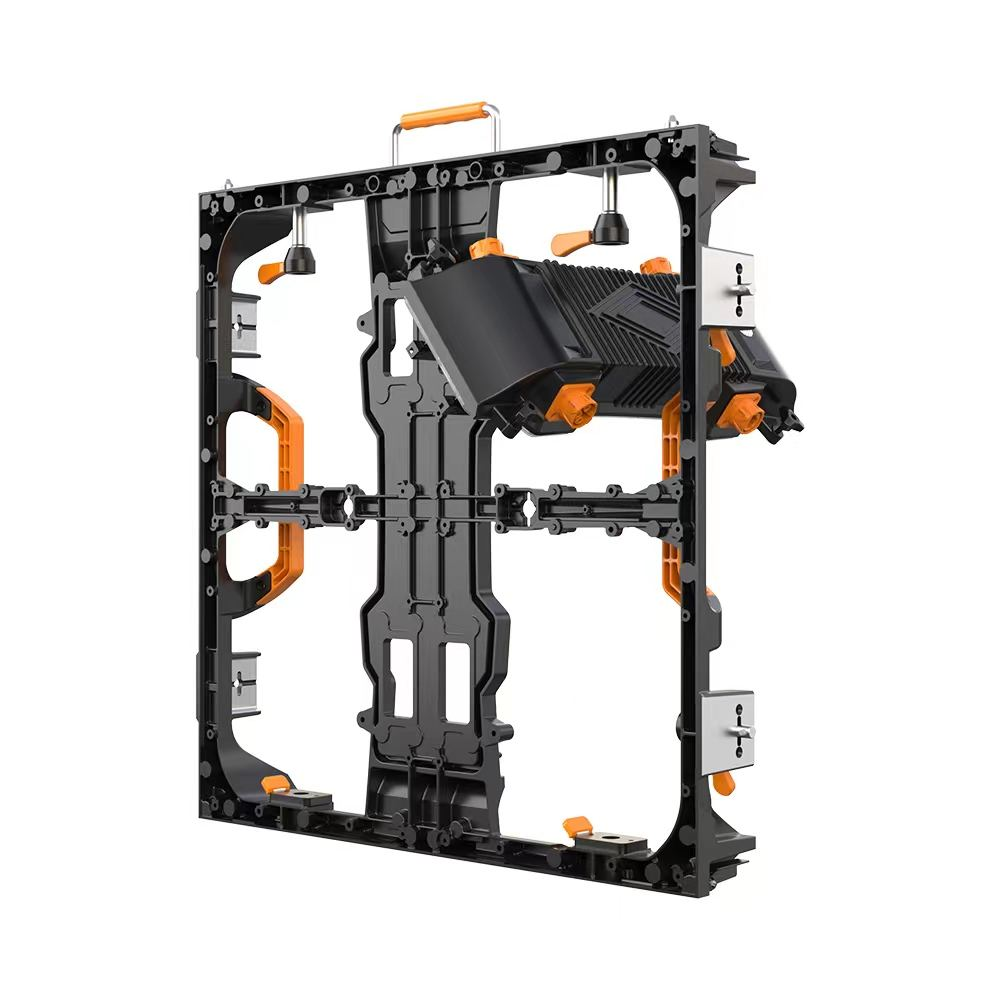
- Scalability and Flexibility: Modular LED walls can scale to any size, adapting to corporate needs from small meeting pods to large boardrooms.
- Energy Efficiency and Sustainability: Modern displays incorporate energy-saving technologies compliant with regulations such as ENERGY STAR and EPEAT.
Common Challenges and Solutions
Despite technological advances, several challenges persist in implementing conference room displays effectively:
Ambient Light Management
Overhead lighting and sunlight can diminish screen visibility. To mitigate this, high-nit LED displays, anti-reflective screen coatings, and adaptive ambient light sensors adjust brightness dynamically.
Connectivity and Compatibility Issues
Legacy systems and varied personal devices can cause complications. Utilizing universal standards like USB-C Alt Mode and wireless casting protocols (e.g., Miracast, AirPlay) ensures compatibility.
User Experience Complexity
Complex control interfaces can deter adoption. Intuitive user interfaces, simplified remote controls, and integration with room management software enhance usability.
Maintenance and Lifespan
Displays require periodic calibration and maintenance to preserve quality. Choosing displays with self-diagnostic features, remote monitoring, and robust vendor support prolong lifespan and reduce downtime.
Industry Standards and Recommendations
Adhering to established standards ensures reliable performance and interoperability:
- Video Electronics Standards Association (VESA): Standards like DisplayHDR outline performance criteria including brightness, color gamut, and contrast for displays.
- Institute of Electrical and Electronics Engineers (IEEE): IEEE 802.11 standards govern wireless connectivity important for BYOD integration.
- International Electrotechnical Commission (IEC): Provides safety and electrical standards critical for display installation.
- Energy Efficiency: Compliance with ENERGY STAR, EPEAT certifications promotes environmental responsibility.
Case Studies and Industry Data
Leading corporations and venues have successfully deployed advanced conference room displays to boost collaboration and communication efficiency:
- Siemens AG: Implemented large-format 4K LED displays integrated with interactive whiteboards across global boardrooms, reporting a 30% increase in effective meeting outcomes and reduced average meeting times.
- Googleplex: Uses flexible modular LED walls combined with Google Meet, allowing seamless hybrid collaboration with enhanced engagement.
- Financial Institutions: Banks utilize ultra-high definition displays with multi-window capabilities for real-time trading analysis, facilitating rapid decision-making.
According to MarketsandMarkets, the global video conferencing market is projected to grow from USD 6.9 billion in 2020 to USD 20.8 billion by 2027, driving growth in conference room display technologies concomitantly.
Emerging Trends Shaping Future Conference Room Displays
MicroLED Technology
MicroLED offers significant advantages over traditional LEDs and OLEDs, including higher brightness, improved energy efficiency, and longer lifespan. This positions MicroLED as the next frontier for ultra-high-definition conference displays.
Artificial Intelligence (AI) Integration
AI-powered cameras and displays optimize framing, automatically adjust audio and video parameters, and provide transcription and translation services, enhancing meeting inclusivity and productivity.
Augmented Reality (AR) and Virtual Reality (VR)
The future may see hybrid conference rooms where AR overlays and VR environments supplement physical displays, creating immersive collaboration experiences.
Conclusion
Conference room displays have evolved into sophisticated digital canvases central to organizational collaboration and communication. Selecting the right display involves understanding room dynamics, user requirements, and technology capabilities to balance performance, usability, and cost.
By aligning with industry standards, leveraging cutting-edge display technologies, and addressing user experience challenges, organizations can transform meeting spaces into dynamic hubs of innovation. Keeping abreast of emerging trends such as MicroLED and AI-enabled collaboration will ensure long-term relevance and competitive advantage.
Ultimately, investment in high-quality, adaptable conference room displays is an investment in organizational productivity, engagement, and success, aligning with the demands of the modern global workforce.
Authoritative References and Further Reading:
- Display Technology – Wikipedia
- VESA DisplayHDR Standards
- MarketsandMarkets – Video Conferencing Market Report
- U.S. Department of Energy – Display Energy Efficiency
- Cisco Collaboration Trends Report
Disclaimer: This article is provided for informational purposes drawing upon industry knowledge as of 2024 and is not a substitute for professional consultation regarding specific project requirements.