Frameless Monitors: Redefining Display Technology for Modern Applications
In an age driven by sleek design and immersive user experiences, the advent of frameless monitors marks a significant leap in display technology. Frameless monitors, characterized by their ultra-thin or virtually nonexistent bezels, have garnered increasing attention across consumer, professional, and industrial sectors for their visual appeal and enhanced functionality. This comprehensive article explores the engineering principles, practical applications, benefits, challenges, and future trends of frameless monitors, providing detailed insights for engineers, designers, and technology enthusiasts worldwide.
Introduction to Frameless Monitors
Traditionally, computer monitors and display screens have featured distinct bezels or frames—margins around the active display area—that, while designed for protection and structural integrity, often restrict the overall visual immersion and modern aesthetic quality. With advancing manufacturing techniques, frameless monitors minimize or entirely omit these borders, offering a near-seamless viewing experience.
The term “frameless monitor” generally refers to displays either with ultra-thin (~1-3 mm) bezels or those labeled as edge-to-edge displays, where the visible viewing area extends nearly to the physical edge of the screen. These monitors bring forward a fusion of refined mechanical design, optical engineering, and digital display technologies.
Technical Foundations and Manufacturing Considerations
Producing frameless monitors requires overcoming significant engineering challenges. Key considerations include:
- Display Panel Technology: Common panel types include In-Plane Switching (IPS), Vertical Alignment (VA), and Organic Light-Emitting Diode (OLED). Frameless designs often leverage OLED due to its inherent flexibility and ability to emit light without backlighting, allowing thinner layers.
- Bezel Reduction Techniques: Advanced lamination technologies and edge sealing are utilized to reduce bezel dimensions without compromising the panel’s structural integrity or protection against dust and moisture.
- Driver and Controller Integration: Integrating the driver circuitry beneath the display via chip-on-glass (COG) or chip-on-film (COF) packaging enables bezels’ size reduction. For some frameless models, these components are relocated to the monitor’s rear housing.
- Touch and Sensor Layers: When touch functionality is included, in-cell or on-cell touch integration is preferred for minimal stack height and edge thickness.
- Thermal Management: With compact designs, dissipating heat becomes critical to maintain performance and longevity. Effective thermal pathways and materials are used to support this.
Industry standards such as International Electrotechnical Commission (IEC) standards for safety and electromagnetic compatibility (EMC), as well as ISO 9241 for ergonomic requirements of visual displays, guide the design and testing process for frameless monitors.
Practical Applications of Frameless Monitors
Frameless monitors find applications spanning various fields that benefit from their aesthetic and functional advantages:
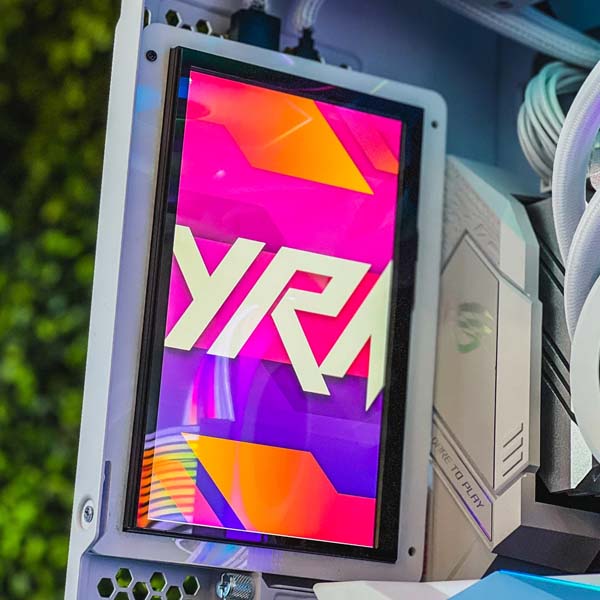
- Consumer Electronics: Desktop and laptop monitors, high-end gaming displays, and all-in-one PCs utilize frameless designs to elevate user immersion and save space, contributing to sleek workstation setups.
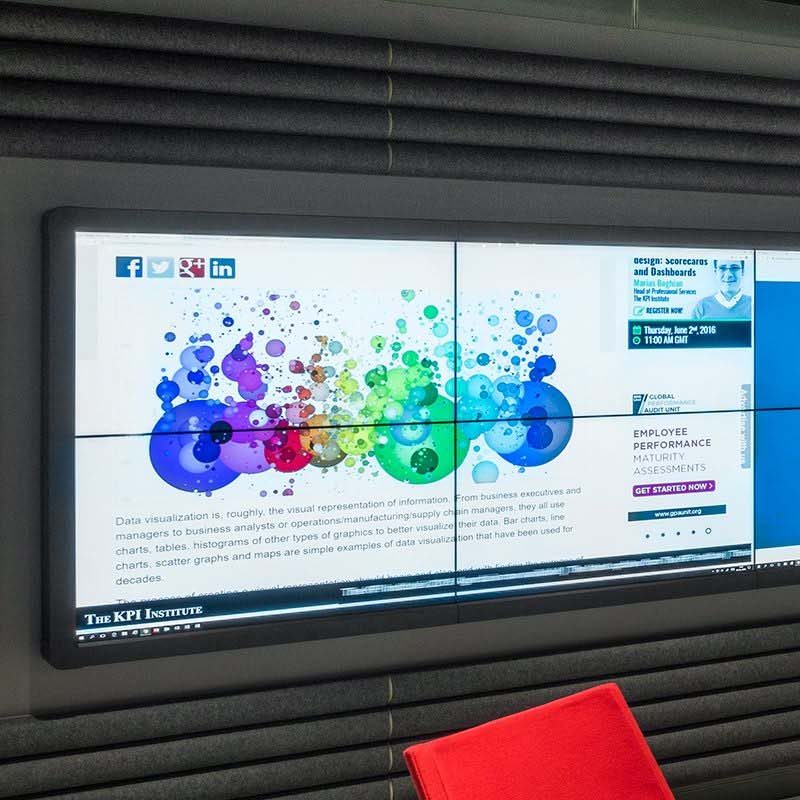
- Digital Signage and Public Displays: Retail, transportation hubs, and corporate environments deploy frameless displays for visually engaging content presentation, leveraging seamless multi-screen video walls with minimal gap interference.
- Professional Environments: Creative professionals (photographers, graphic designers, video editors) benefit from expansive workspace setups with multiple frameless monitors, enabling a continuous viewing area without visual interruption.
- Industrial and Medical Fields: Frameless monitors are used in control rooms, diagnostic imaging, and surgical displays, where unobstructed visual continuity is critical for operational safety and precision.
- Smart Home and IoT Devices: Frameless displays contribute to elegant smart mirrors, home automation panels, and interactive appliances that blend into modern interior designs.
Advantages of Frameless Monitors
The rise of frameless monitors correlates with several key advantages that appeal to both users and manufacturers:
- Enhanced Aesthetic Appeal: Frameless designs offer modern, minimalistic visual impacts, aligning with contemporary office and home decor styles.
- Immersive Viewing Experience: Reduced bezels minimize distractions and facilitate panoramic, multi-monitor configurations that extend uninterrupted desktop real estate.
- Space Efficiency: Compact form factors enable placing monitors closer together and optimizing desk usage, critical for small spaces or multi-display setups.
- Increased Portability: In some portable devices like tablets and laptops, frameless designs reduce volume and weight without compromising screen size.
- Improved Usability: Reducing bezel size can lead to better touch and interactive experiences, especially in kiosks and touch-enabled devices.
Common Challenges and Solutions in Frameless Monitor Design
Despite numerous benefits, frameless monitors face a variety of engineering and user experience challenges:
- Structural Fragility: Minimal bezels reduce physical support edges, making displays more vulnerable to mechanical stress and accidental drops. Manufacturers mitigate this by using toughened glass, reinforced chassis, and robust mounting solutions.
- Display Uniformity: Achieving color accuracy and brightness consistency across the entirety of thin, edge-to-edge panels can be difficult. Advanced calibration and local dimming technologies help maintain uniformity.
- Cost Constraints: The sophisticated manufacturing processes and premium materials involved can increase production costs compared to traditional monitors. Economies of scale and continuous R&D efforts are progressively driving prices down.
- Heat Management: Compact designs create tight tolerances for heat dissipation pathways. Innovative heat sinks, thermal gels, and active cooling mechanisms address overheating risks.
- Signal and Connector Placement: Locating video and power connectors in reduced bezel spaces challenges conventional layouts, frequently requiring customized connectors or wireless technologies.
Latest Trends and Innovations in Frameless Monitor Technology
The frameless monitor market is witnessing rapid advancements driven by consumer demand and technological progress:
- Flexible and Foldable Displays: Technologies such as flexible OLED panels enable monitors to curve or fold, providing new user interaction modes without traditional bezels.
- MicroLED Integration: MicroLED exhibits superior brightness, contrast, and energy efficiency, facilitating thinner and more vivid frameless displays ideal for outdoor and high ambient light conditions.
- Higher Refresh Rates and Resolution: Frameless gaming and professional monitors increasingly support 4K to 8K resolutions with refresh rates exceeding 240 Hz, offering superior visual clarity and motion smoothness.
- AI-Driven Display Calibration: Artificial Intelligence optimizes color profiles and brightness dynamically, ensuring consistent image quality across varying lighting conditions.
- Enhanced Connectivity: Integration of USB-C, Thunderbolt, and wireless display standards facilitate clutter-free setups correlating with minimalist frameless aesthetics.
Industry Impact and Case Studies
Leading display manufacturers have incorporated frameless designs into flagship products, setting industry benchmarks. For example, Dell’s UltraSharp series utilizes ultra-thin bezels to create nearly seamless multi-monitor configurations favored by designers and traders. Similarly, Samsung’s ultra-wide frameless monitors cater to video editors and immersive gaming communities.
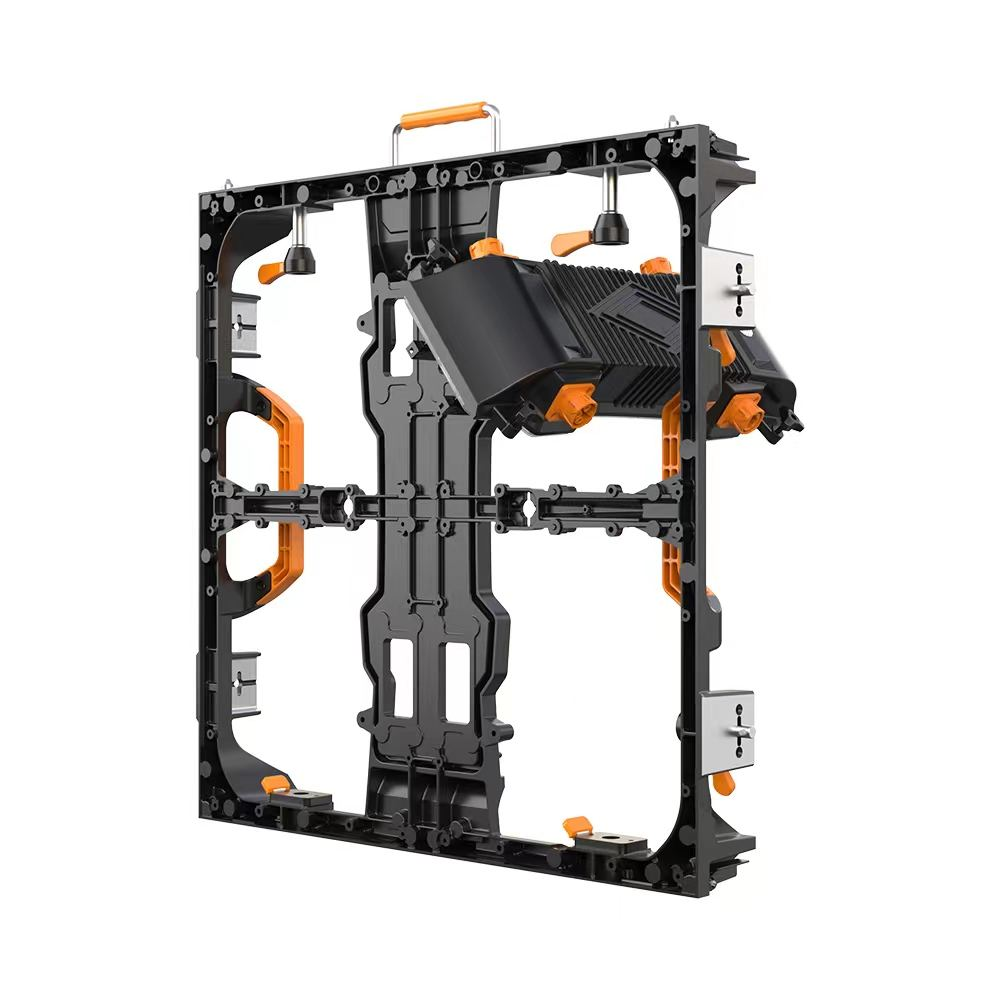
In industrial fields, companies like LG and NEC supply frameless LED signage for airport terminals and financial trading floors—zones demanding reliable, distraction-free visuals for critical decision-making under challenging environmental conditions.
Empirical studies indicate that user productivity increases with multi-monitor setups featuring reduced bezels, as eye strain and cognitive load decrease when transitioning between screens visually uninterrupted by bulky borders (Source: Journal of Ergonomics and Human Factors, 2023).
Conclusion: The Future of Frameless Monitors
Frameless monitors epitomize the fusion of form and function, reflecting the contemporary demand for aesthetics without sacrificing performance. As display technologies continue to evolve from LCDs to OLEDs and MicroLEDs, and as manufacturing techniques improve, frameless monitors will become increasingly ubiquitous—spanning from consumer electronics to critical industrial applications.
Investments in research on durability, thermal control, and cost optimization will further democratize access to these sleek displays, supporting a future where high-resolution, immersive, and space-efficient monitors define visual interfaces globally.
For professionals in electronics design, manufacturing, or procurement, understanding the intricacies of frameless monitor technology and its deployment landscape is essential to leverage its advantages effectively and innovate further.
References and Further Reading
- International Electrotechnical Commission (IEC) standards – https://www.iec.ch/
- ISO 9241 Ergonomic requirements for office work with visual display terminals – https://www.iso.org/standard/16883.html
- LG Display, “Advanced OLED and MicroLED Technologies for Next-Generation Displays,” 2023 Technical Whitepaper
- Journal of Ergonomics and Human Factors, “Impact of Frameless Multi-monitor Setups on User Productivity,” Vol. 65, Issue 4, 2023
- Dell Technologies, “UltraSharp Monitor Series Product Specifications,” 2024
- Samsung Electronics, “Innovations in Gaming Monitor Design,” 2024 Industry Report
- Wikipedia contributors, “Frameless Display,” Wikipedia, The Free Encyclopedia, https://en.wikipedia.org/wiki/Monitor#Design_features