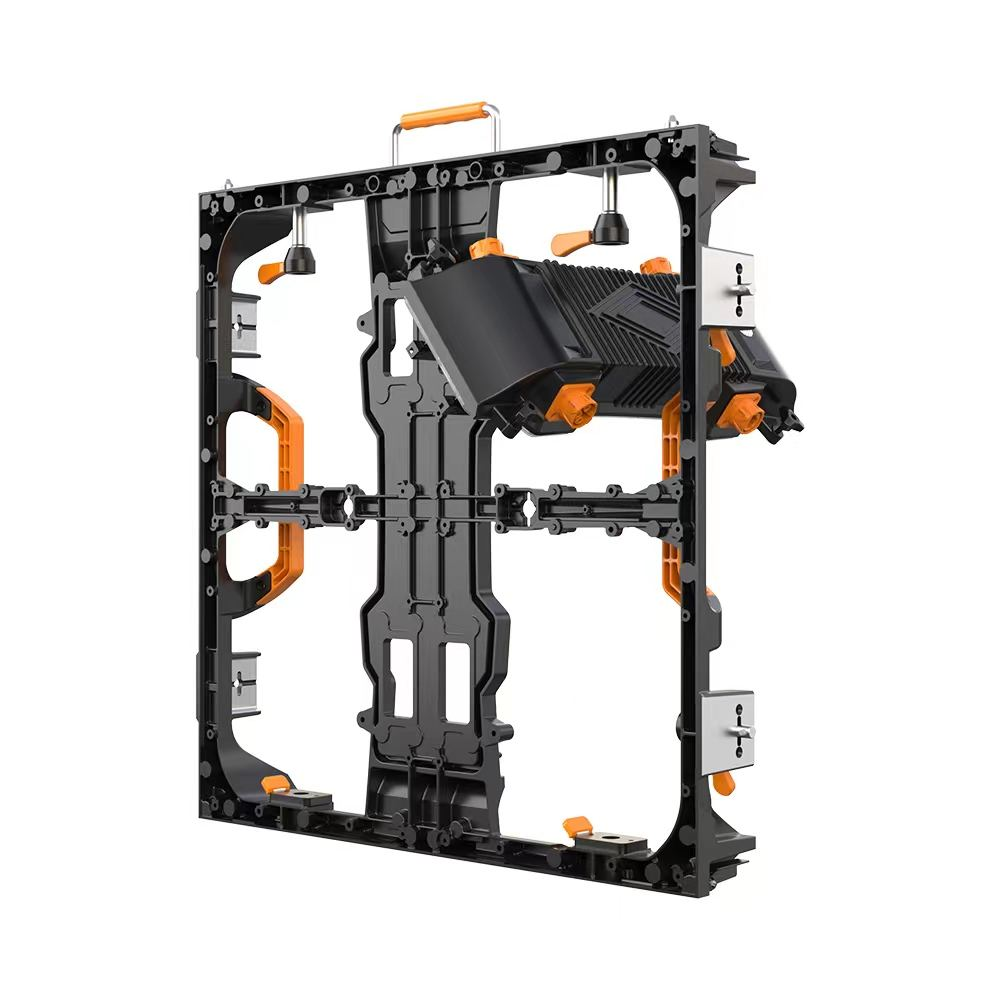
Enhancing Collaboration with Advanced Conference Room Displays: Trends, Technologies, and Best Practices
In today’s dynamic business environment, effective communication and collaboration are paramount. The conference room display has become a critical element in facilitating seamless interactions, whether for internal meetings, client presentations, or remote collaborations. With the rapid advancements in LED display technology and the growing demand for high-performance visual solutions, understanding the nuances and capabilities of modern conference room displays is essential for organizations aiming to optimize their meeting spaces.
Introduction
Conference room displays serve as the visual centerpiece of modern meeting rooms, enabling teams to share information clearly, engage participants, and drive decision-making processes efficiently. They must combine excellent image quality, reliable connectivity, and user-friendly interfaces to meet the varied demands of hybrid and in-person meetings.
This comprehensive article delves into the latest technologies, practical applications, advantages, challenges, and emerging trends of conference room displays, with a special emphasis on LED display solutions. It is designed to equip decision-makers, IT professionals, and audio-visual engineers with the insights necessary to select and implement the most suitable displays aligned with their organizational goals.
Main Body
1. The Evolution of Conference Room Displays
Traditionally, conference room displays comprised projector systems and LCD panels. While these served the purpose to varying degrees, they exhibited limitations such as lower brightness, constrained viewing angles, and less flexible installation options. The advent and maturation of LED display technology have revolutionized this space, offering superior brightness, contrast, color accuracy, form factor flexibility, and durability.
According to the International Data Corporation (IDC), the global market for professional displays, including conference room solutions, has been growing at a compound annual growth rate (CAGR) of approximately 7% over the last five years, with LED technology increasingly taking center stage due to its scalable, high-performance attributes.
2. Types of Conference Room Displays
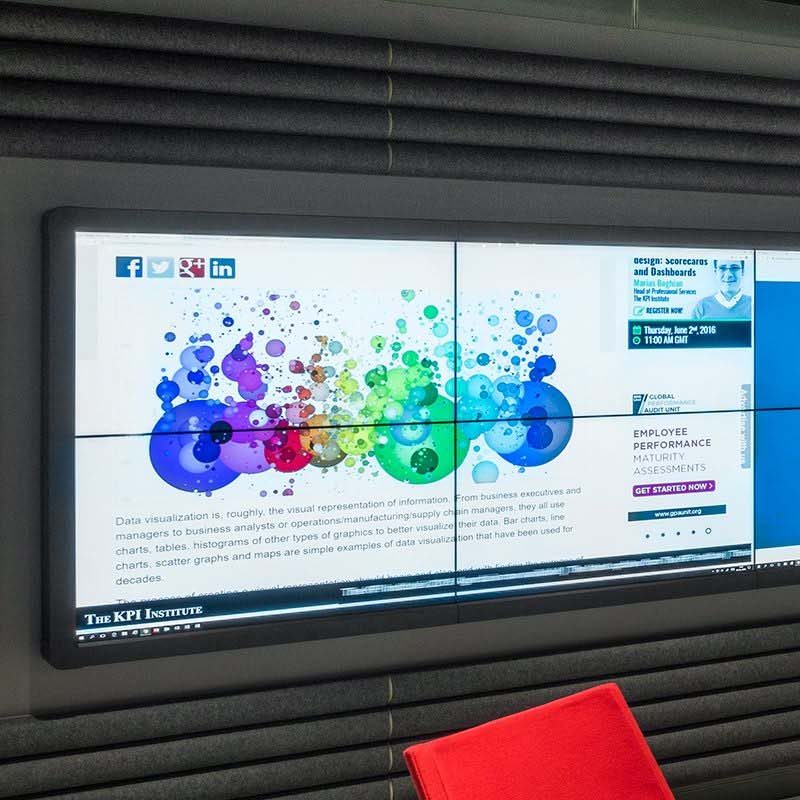
- LED Video Walls: Modular displays composed of multiple LED panels forming a seamless large screen. These can deliver ultra-high brightness (often exceeding 1500 nits), wide color gamut, and excellent contrast ratios, making them ideal for large conference rooms or collaboration hubs.
- Direct View LED (DVLED) Panels: Standalone LED displays designed specifically for indoor environments, these units provide high pixel density and narrow pitch (e.g., 0.9 mm to 2.5 mm) for close viewing distances typical of conference rooms.
- LCD Flat Panels: Still in use, especially for smaller rooms, with sizes ranging from 55” to 98”. They offer solid image quality but may lag behind LED panels in brightness and uniformity.
- Laser Projectors with Ambient Light Rejection Screens: Suitable for semi-darkened environments but generally less favored in high ambient light conditions due to contrast and brightness limitations.
3. Why LED Displays Are Ideal for Conference Rooms
LED technology presents an optimal combination of performance and versatility, particularly for environments requiring high brightness and color fidelity. The key benefits include:
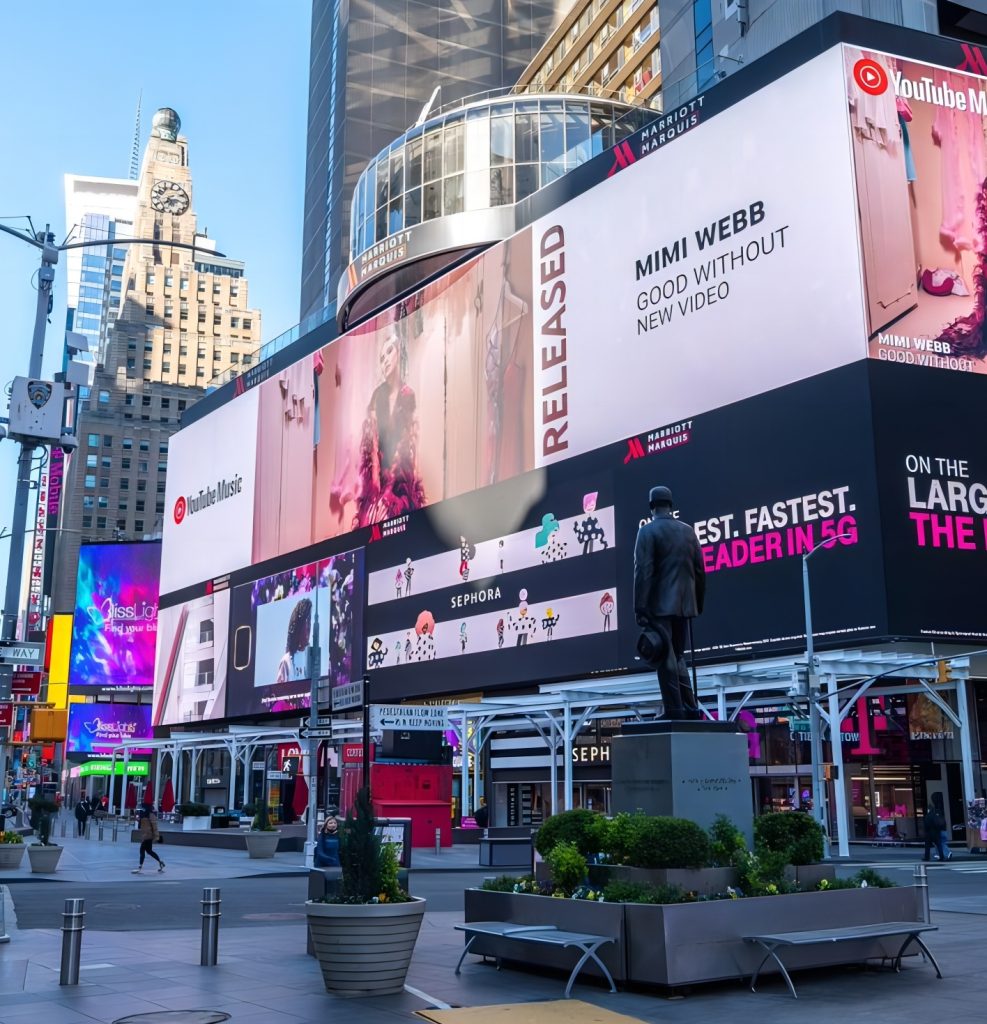
- Sunlight-Readable Brightness: High brightness levels (1000-2000 nits or more) ensure visibility even in rooms with significant natural light—this is critical for open-plan office spaces or conference rooms with large windows.
- Wide Viewing Angles: Ensuring that all participants around the table get a clear, bright image without distortion or color shift.
- Seamless Scalability and Customization: Modular LED video walls can be tailored to room size, shape, and user requirements—a distinct advantage over fixed-size LCDs.
- Superior Contrast and Color Accuracy: High dynamic range (HDR) capabilities in LED displays provide crisp visuals and vivid colors, improving content readability and engagement.
- Robustness and Longevity: LED displays typically have a longer operational lifespan (up to 100,000 hours) and lower maintenance requirements compared to projectors and some LCDs.
- Integration with Interactive Technologies: Advanced LED displays can incorporate touch, annotation, and wireless casting features, facilitating collaborative workflows.
4. Technical Considerations and Industry Standards
When specifying and installing conference room displays, several technical parameters and standards must be considered to ensure an optimal outcome.
- Pixel Pitch: The distance between adjacent LED pixels (measured in millimeters) significantly impacts the display’s resolution and viewing distance. For typical conference rooms, pitches between 0.9 mm and 2.5 mm offer excellent clarity.
- Brightness and Contrast Ratio: Brightness levels of 1000-2000 nits are recommended for sunlight-readable displays. Contrast ratios exceeding 3000:1 improve text readability and video fidelity.
- Color Gamut and Accuracy: Compliance with standards such as Rec. 709 or DCI-P3 ensures color consistency, essential for detailed presentations and video content.
- Latency and Refresh Rate: Low input lag (<10 ms) and refresh rates of 60 Hz or higher are necessary for smooth video and interactive content rendering.
- Connectivity: Support for multiple input formats (HDMI 2.1, DisplayPort, USB-C) and wireless casting protocols (Miracast, AirPlay, Chromecast) enhances compatibility with various devices.
- Certification and Compliance: Look for displays certified by organizations such as UL (Underwriters Laboratories), CE (Conformité Européenne), and RoHS (Restriction of Hazardous Substances) to ensure safety and environmental standards.
5. Practical Applications of Conference Room Displays
Conference room displays are utilized across various professional settings to support multiple use cases:
- Video Conferencing: High-definition visuals combined with integrated audio enhance remote collaboration effectiveness.
- Data Visualization and Analytics: Large, clear displays allow teams to analyze complex datasets and facilitate evidence-based discussions.
- Presentations and Training: Engaging content delivery via bright, vibrant displays improves knowledge retention.
- Interactive Brainstorming and Whiteboarding: Touch-enabled LED displays and annotation tools foster creativity and real-time idea sharing.
Notably, global enterprises such as Microsoft and Google have adopted advanced LED display setups in their conference rooms, enabling effective hybrid collaboration with employees worldwide.
6. Common Challenges and Solutions
Despite the advantages, deploying conference room displays presents challenges that must be proactively addressed.
- Ambient Light Interference: Direct sunlight or strong indoor lighting can cause glare or reduce contrast. Using high-brightness LED panels with anti-reflective coatings mitigates this issue.
- Installation Complexity: Large LED walls require professional calibration, alignment, and mounting. Engaging experienced AV integrators ensures seamless deployment.
- Thermal Management: LEDs generate heat, particularly at high brightness. Proper ventilation and cooling systems maintain performance and protect longevity.
- Cost Considerations: Although LED displays have become more affordable, upfront investment remains substantial. However, the total cost of ownership (TCO) benefits over time through durability and low maintenance.
7. Emerging Trends in Conference Room Displays
The intersection of cutting-edge display technology and workplace transformation has fuelled several trends shaping the future of conference room displays:
- MicroLED Technology: Offering higher brightness, better energy efficiency, and longer lifespans compared to traditional LEDs, MicroLED displays promise next-generation visual performance for conference rooms.
- AI-Enhanced Content Optimization: Artificial Intelligence algorithms dynamically adjust displays for ambient conditions and user preferences, optimizing readability and comfort.
- Increased Interactivity: Integration with collaboration platforms like Microsoft Teams, Zoom, and Slack, coupled with touch and gesture controls, supports more immersive and productive meetings.
- Flexible and Transparent Displays: Innovative form factors enable sleek, unobtrusive displays that integrate with room architecture or serve dual functions.
- Sustainability Focus: Eco-friendly materials and low power consumption standards are becoming dominant selection criteria aligned with corporate social responsibility (CSR) goals.
8. Best Practices for Selecting and Implementing Conference Room Displays
To maximize the benefits of conference room displays, companies should consider the following best practices:
- Assess Room Size and Layout: Match display size and resolution to viewing distances and room dimensions to ensure clear visibility for all participants.
- Evaluate Ambient Light Conditions: Choose displays with appropriate brightness and anti-glare treatments to suit the lighting environment.
- Prioritize User Experience: Opt for intuitive interfaces, easy connectivity, and compatibility with existing AV infrastructure.
- Plan for Future-Proofing: Select displays that support firmware updates, new input standards, and modular upgrades.
- Engage Professional Support: Collaborate with AV experts and certified installers for proper calibration, integration, and maintenance.
- Compliance and Warranty: Ensure products meet international safety and environmental certifications and come with robust manufacturer support.
Conclusion
The conference room display stands as a pivotal technology in enabling effective communication and collaboration in modern organizations. The emergence of high-brightness, sunlight-readable LED displays, alongside evolving interactive features and sustainability initiatives, marks a significant leap in meeting room capabilities.
Investing in advanced LED conference room displays not only enhances visual clarity and participant engagement but also supports the shift towards hybrid work environments requiring flexibility and reliability. By comprehensively understanding the technological options, practical applications, and implementation strategies outlined in this article, decision-makers can confidently select solutions that foster productive, inclusive, and innovative meetings.
For further reading and technical standards, industry professionals are encouraged to consult authoritative sources such as the AVIXA – Audiovisual and Integrated Experience Association, the IEEE Xplore Digital Library, and published case studies on platforms like PLASA.
References:
- International Data Corporation (IDC), Professional Display Market Reports, 2023-2024
- Wikipedia contributors. LED display. Wikipedia, The Free Encyclopedia. https://en.wikipedia.org/wiki/LED_display
- AVIXA. IT, AV and collaboration technology integration best practices, 2024.
- IEEE Standards Association. Display and Projection Standards, 2024.