Advanced Conference Room Display Solutions: Enhancing Collaboration and Productivity with Cutting-Edge Technologies
In today’s fast-evolving corporate landscape, effective communication and collaborative decision-making have become paramount. Conference rooms remain the nucleus of organizational interaction, where ideas converge, strategies are forged, and innovation is born. Central to this hub of activity is the display system—a vital interface that facilitates seamless information sharing. This article delves into the realm of conference room display solutions, exploring their technological backbone, practical advantages, challenges, and emerging trends, aiming to provide a comprehensive understanding suitable for industry professionals, corporate decision-makers, and technology enthusiasts alike.
1. Introduction to Conference Room Display Solutions
Conference room display solutions encompass a variety of visual technologies designed to present digital content effectively during meetings, presentations, and collaborative sessions. These systems typically include LED displays, LCD panels, interactive whiteboards, and projection setups. The modern workspace demands displays that are not only visually impressive but also highly interactive, flexible, and integrated into broader communication systems.
The rise of remote and hybrid work models has accelerated the need for conference room displays that support robust video conferencing capabilities, wireless content sharing, and real-time collaboration tools. This evolution underscores the value of high-quality, large-format displays that can cater to diverse user requirements while ensuring accessibility and maximizing engagement.
2. Types of Conference Room Display Solutions
Choosing the right conference room display depends on room size, usage patterns, lighting conditions, and budget considerations. The most common categories include:
2.1 LED Displays
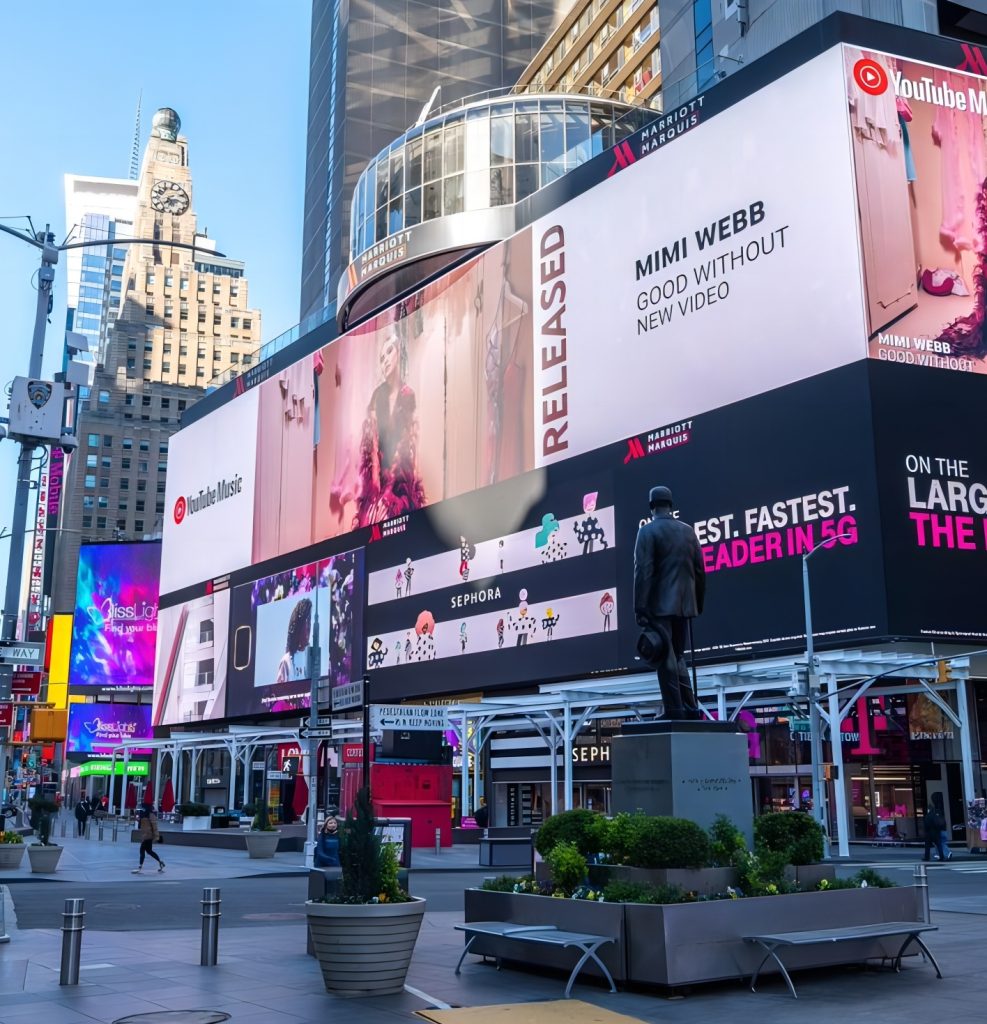
Light Emitting Diode (LED) displays utilize millions of small LEDs to produce bright, vibrant images with excellent contrast ratios. Thanks to their high brightness and long lifespan, LED displays are increasingly favored for medium to large conference rooms. They offer superior visibility even in high ambient light environments, making them suitable for sunlit rooms or spaces without controlled lighting.
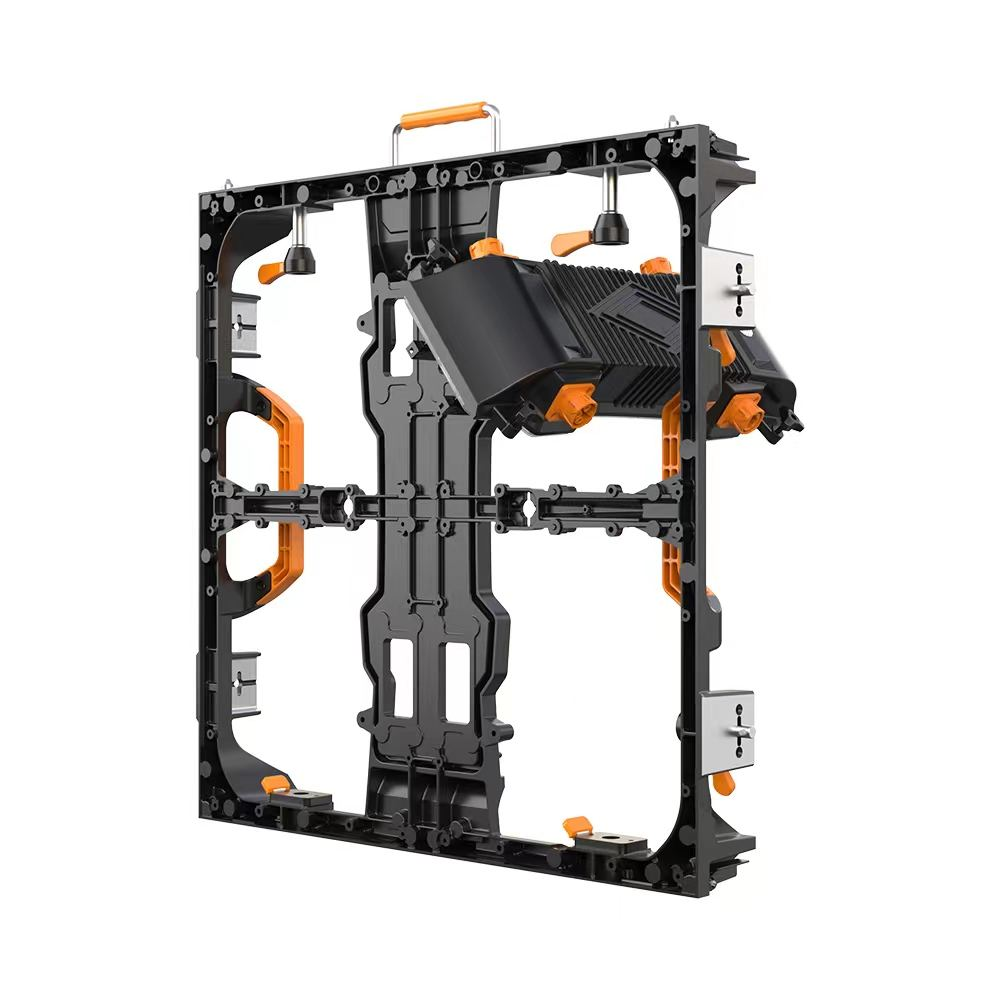
Additionally, direct view LED video walls can be customized to fit virtually any wall size, offering immersive and scalable solutions. The energy efficiency, maintenance ease, and seamless modular construction further appeal to enterprises aiming for flexible and future-proof display installations.
2.2 LCD Displays
Liquid Crystal Display (LCD) technology has been a staple in conference room solutions due to its cost-effectiveness and solid image quality. LCD panels typically offer excellent resolution, color accuracy, and a variety of sizes suitable for small to medium rooms. Features such as touch interactivity and anti-reflective coatings enhance usability and visual clarity.
While LCD displays are less bright than LED counterparts, they often provide better pixel density for fine detail—ideal for displaying documents, spreadsheets, and high-resolution media.
2.3 Projection Systems
Though less prevalent compared to LED and LCD options, projection systems still find use in some conference rooms. They offer flexible screen sizes and portability but depend heavily on controlled ambient lighting and frequent maintenance of bulbs or lasers. Advances in laser projection technologies have improved brightness and lifespan, but the operational overhead sometimes makes them less practical in corporate settings.
2.4 Interactive Whiteboards and Collaboration Displays
Interactive displays combine visual presentation with real-time input via touch, stylus, or gesture controls. Models such as Microsoft Surface Hub, Google Jamboard, and SMART Boards have gained traction for fostering dynamic brainstorming sessions, digital note-taking, and seamless integration with cloud collaboration platforms.
These systems often support multi-user access, annotation capabilities, and video conferencing, making them a versatile addition to modern hybrid meeting spaces.
3. Key Features and Technical Considerations
3.1 Resolution and Image Quality
High-resolution displays are essential in conference rooms to ensure clear visibility of text, charts, and visual assets. Full HD (1920×1080) remains a baseline for most professional settings, whereas 4K UHD (3840×2160) is increasingly preferred, especially for data-rich presentations and detailed imagery.
Color accuracy and uniformity are equally important, especially for creative agencies or enterprises where precise color representation matters in product design and marketing presentations.
3.2 Brightness and Contrast Ratio
Conference rooms often have varying ambient light levels, so display brightness must be sufficient to maintain visibility without causing eye strain. High-brightness LED panels rated above 700 nits are generally recommended for rooms with significant daylight. Contrast ratio, indicating the luminance difference between the darkest black and brightest white, affects text readability and image depth.
3.3 Viewing Angles
Given that meeting attendees may view screens from different positions, displays with wide viewing angles (typically >178°) are preferred. This ensures consistent image quality and color from any seat around the table.
3.4 Connectivity Options
Modern conference displays must support diverse content sources, including HDMI, DisplayPort, USB-C, and wireless protocols like Miracast, AirPlay, and Chromecast. Availability of network-based content management and remote control capabilities enhances operational efficiency.
3.5 Interactive and Collaboration Features
Touch sensitivity, multi-touch support, annotation tools, and integration with cloud services (Microsoft 365, Google Workspace, Zoom, Teams) facilitate real-time group interaction. AI-based noise cancellation and camera tracking add value to video conferencing use cases.
3.6 Durability and Maintenance
Reliable conference room displays exhibit consistent performance with minimal maintenance. Features like sealed cabinets, ruggedized components, and automated calibration routines contribute to longevity and reduced downtime.
4. Practical Applications of Conference Room Display Solutions
Optimized display solutions empower organizations to enhance communication, stimulate creativity, and streamline workflows:
- Presentations and Training: Clear, vibrant displays improve audience engagement during sales pitches, educational sessions, and corporate training.
- Video Conferencing: Integrated displays with cameras and microphones enable hybrid meetings, bridging geographic gaps and promoting inclusivity.
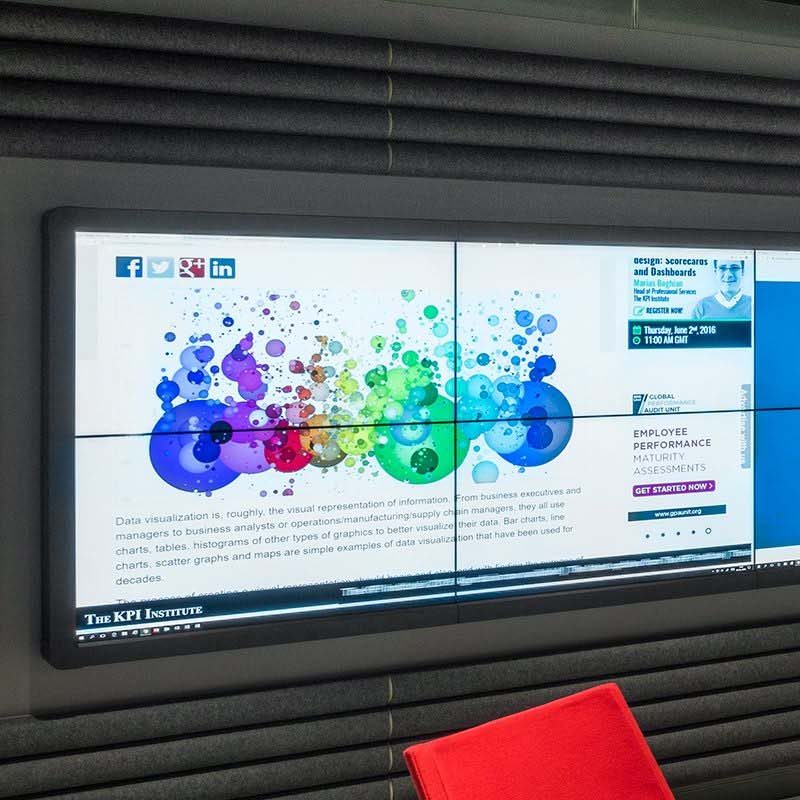
- Data Visualization: High-resolution displays allow detailed analysis of business intelligence dashboards, financial reports, and engineering schematics.
- Collaborative Brainstorming: Interactive displays support ideation sessions with digital whiteboarding and instant feedback loops.
- Digital Signage: Some conference spaces double as digital signage zones for corporate communications, event announcements, and visitor information.
5. Advantages of Modern Conference Room Display Technologies
Enhanced Visual Clarity: High brightness, resolution, and color accuracy reduce viewer fatigue and improve comprehension.
Interactivity and Engagement: Touch and annotation features promote active participation during meetings.
Integration with Collaboration Ecosystems: Seamless compatibility with cloud services and communication platforms streamlines meeting execution.
Scalability and Customization: Modular LED video walls can scale to any size, adapting to room architecture and organizational growth.
Energy Efficiency and Sustainability: Advances in LED technology reduce power consumption compared to legacy displays and projection methods, aligning with corporate sustainability goals.
6. Common Challenges and Troubleshooting in Conference Room Displays
Despite advancements, organizations face some recurring issues:
6.1 Cable and Connectivity Issues
Compatibility challenges among heterogeneous devices, signal degradation in long cable runs, and wireless interference can disrupt presentations. Employing certified cables, signal extenders, and professional AV integration can mitigate these problems.
6.2 Ambient Lighting Problems
Glare and reflections may impair visibility. Positioning displays with anti-reflective panels, ambient light sensors that adjust brightness dynamically, or installing adjustable window treatments can improve viewer experience.
6.3 Calibration and Color Uniformity
Over time, displays may exhibit color shifts or imbalance, affecting image quality. Regular calibration using professional tools and software helps maintain display consistency.
6.4 Software Compatibility and Updates
Firmware and application updates are essential to preserve security and functionality but require careful management to avoid downtime.
7. Emerging Trends in Conference Room Display Technologies
7.1 MicroLED and MiniLED Displays
MicroLED technology promises even greater brightness, pixel density, and energy efficiency with longer lifespans and superb color gamut. While currently expensive, these displays represent the future direction for premium conference solutions.
7.2 Augmented Reality (AR) and Virtual Reality (VR) Integration
AR overlays and VR environments are increasingly explored to enrich remote collaboration, allowing participants to interact with virtual 3D content within meetings.
7.3 Artificial Intelligence (AI) Enhancements
AI-driven features such as automated camera tracking, voice recognition, background noise suppression, and content suggestions improve meeting flow and inclusivity.
7.4 Sustainable and Eco-friendly Displays
Manufacturers focus on recyclable materials, reduced hazardous substances, and improved energy profiles in line with global environmental standards such as RoHS (Restriction of Hazardous Substances) and ENERGY STAR certifications.
8. Industry Standards and Best Practices
Adhering to standards ensures interoperability, safety, and quality. Key references include:
- VESA (Video Electronics Standards Association): Defines mounting and display interface standards.
- IEC 60065 & UL 60065: Safety standards related to audiovisual equipment.
- RoHS Directive: Compliance mandates restricting hazardous substances in electronic components.
- ENERGY STAR Certification: Identifies energy-efficient display devices.
Best practices recommend professional installation, routine maintenance, and user training to maximize return on investment and technology adoption.
9. Conclusion
Modern conference room display solutions are critical enablers of productive corporate communication and collaboration. The convergence of display technologies—ranging from high-brightness LED panels to interactive whiteboards—caters to diverse organizational needs. Selecting the optimal display requires evaluating technical specifications, use case parameters, and future growth plans.
As businesses increasingly operate in hybrid environments and demand richer interactive experiences, advances such as MicroLED, AI integration, and AR/VR tools will redefine the conference room of tomorrow. Adhering to industry standards and embracing emerging technologies ensures that organizations remain agile, inclusive, and efficient in their communication strategies.
References:
- Wikipedia contributors. “LED display.” Wikipedia, The Free Encyclopedia. https://en.wikipedia.org/wiki/LED_display
- Wikipedia contributors. “Display technology.” Wikipedia, The Free Encyclopedia. https://en.wikipedia.org/wiki/Display_technology
- AVIXA (Audiovisual and Integrated Experience Association). Industry standards and guidelines. https://www.avixa.org
- Energy Star Program Requirements for Displays. https://www.energystar.gov/products/displays_tv_monitor_specifications
- IDC FutureScape: Worldwide IT Industry 2023 Predictions. https://www.idc.com/research/viewtoc.jsp?containerId=US49971523
- Industry case study: Microsoft Surface Hub implementation in corporate settings. Microsoft official website: https://www.microsoft.com/en-us/surface/business/surface-hub
Through informed adoption of state-of-the-art conference room display technologies, enterprises can foster an environment conducive to creativity, inclusivity, and operational excellence.